
What you can do in 360
What you can do in 360
How to use and what you can do in 360 depends on the type of device that you are using
How to use 360 video on a mobile device

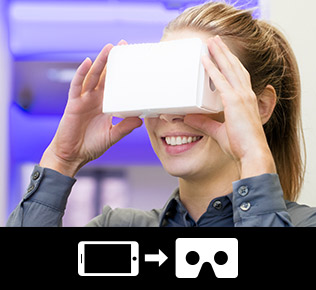
360 VR
Insert your smart phone into a google cardboard viewer and immerse yourself within the 360 content.

Tilt device
Tilt your device to navigate through the 360 content.

Touch & slide
Slide through the 360 content with your finger.
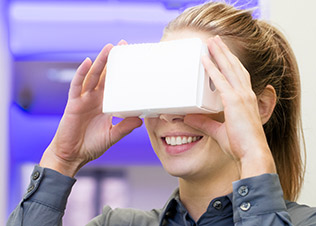
360 VR
Insert your smart phone into a google cardboard viewer and immerse yourself within the 360 content.

Google Cardboard

Tables & smart phones
Tilt your device or touch and slide to explore 360 content
-
Tilt device
-
Touch & slide

Desktop devices
Click and drag on the screen with your mouse to explore 360 content.

Click & drag
